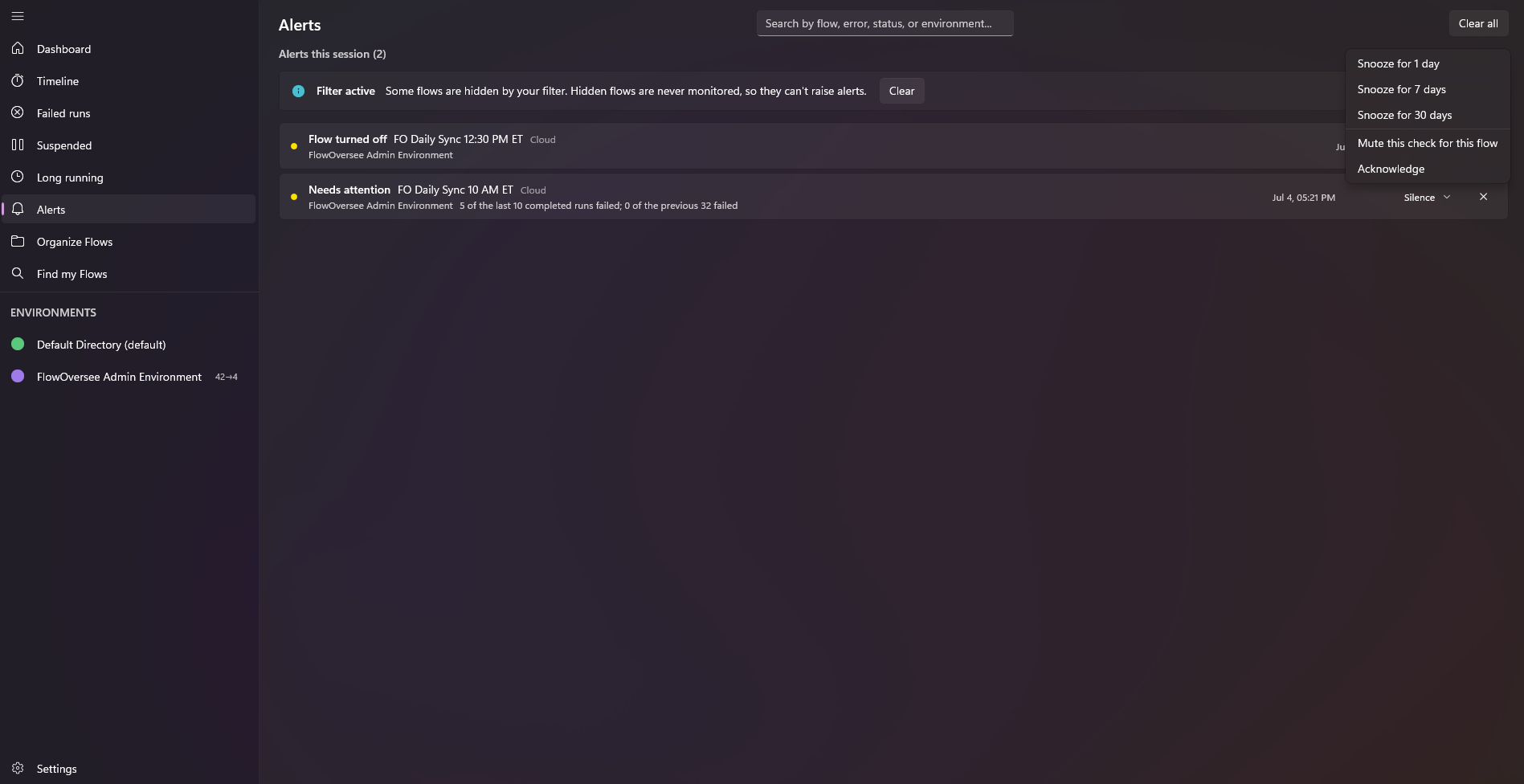
Alerts that come to you
The background monitor keeps watch on your schedule, not the other way around. It signs in silently with your existing session — no surprise prompts — and when you've been away, it catches up on launch and flags what appeared since your last session.
- Five trigger types — run failed, flow suspended, flow turned off, needs attention, connection broken — individually switchable
- Check every 2 minutes up to hourly, per your choice, on the environments you choose
- Every alert lands on the Alerts page too, so nothing depends on catching a toast
 FlowOversee now
Flow run failedFO Nightly Export — Admin Environment
FlowOversee 12mFlow suspendedFO Web Check — left its active state
Background alerts
Check every5 minutes
Monitored environments2 of 3
It spots what looks off — before you go looking
Needs attention is FlowOversee's anomaly detector. It learns each flow's own normal rhythm — no thresholds to set up — and reports deviations as plain facts, automatically once your flows have loaded.
- Five checks: missed runs, fewer runs than expected, broken success streaks, failure rates above the flow's own baseline, and duration spikes
- Plain-language findings — facts, never guesses
- Triage on your terms: snooze, mute, or acknowledge any finding; choose which checks run and how sensitive they are
Needs attention
- FO Ticket Escalation — 12 runs expected in the last 24h, 0 observed
- FO Nightly Export — Succeeded 18 runs in a row, then failed
- FO Data Cleanup — 5 of the last 10 completed runs failed; 1 of the previous 40 failed
- FO Customer Onboarding — Typically completes in 04:00; the last run took 13:20